
If you love listening to podcasts while cooking dinner, relaxing at home, or spending time with your dogs, there’s a simple way to play Dog Works Radio on your Alexa-enabled device using Apple Podcasts.
Many people do not realize that Alexa can connect directly to Apple Podcasts, allowing you to listen to your favorite episodes hands-free on devices like the Amazon Echo, Echo Dot, Echo Show, and other Alexa-enabled speakers.
Here is how to set it up.
Step 1: Open the Amazon Alexa App
Start by opening the Alexa app on your smartphone or tablet. Make sure you are signed into the same Amazon account connected to your Alexa device.
If you do not already have the app installed, you can download it from the App Store or Google Play.
Step 2: Search for the Apple Podcasts Skill
Inside the Alexa app:
- Tap “More” in the bottom-right corner
- Select “Skills & Games”
- Tap the search icon
- Search for “Apple Podcasts”
You should see the official Apple Podcasts skill appear in the results.
Step 3: Enable the Skill
Tap the Apple Podcasts skill, then select “Enable to Use.”
Alexa will prompt you to connect your Apple account.
Once connected, your Apple Podcasts subscriptions and listening history can sync across devices.
Step 4: Link Your Apple ID
Follow the on-screen prompts to sign in with your Apple ID.
You may need to verify your identity using Face ID, Touch ID, or a verification code sent to your Apple devices.
After linking your account, Alexa can access Apple Podcasts directly.
Step 5: Ask Alexa to Play Dog Works Radio
Now the fun part.
Simply say:
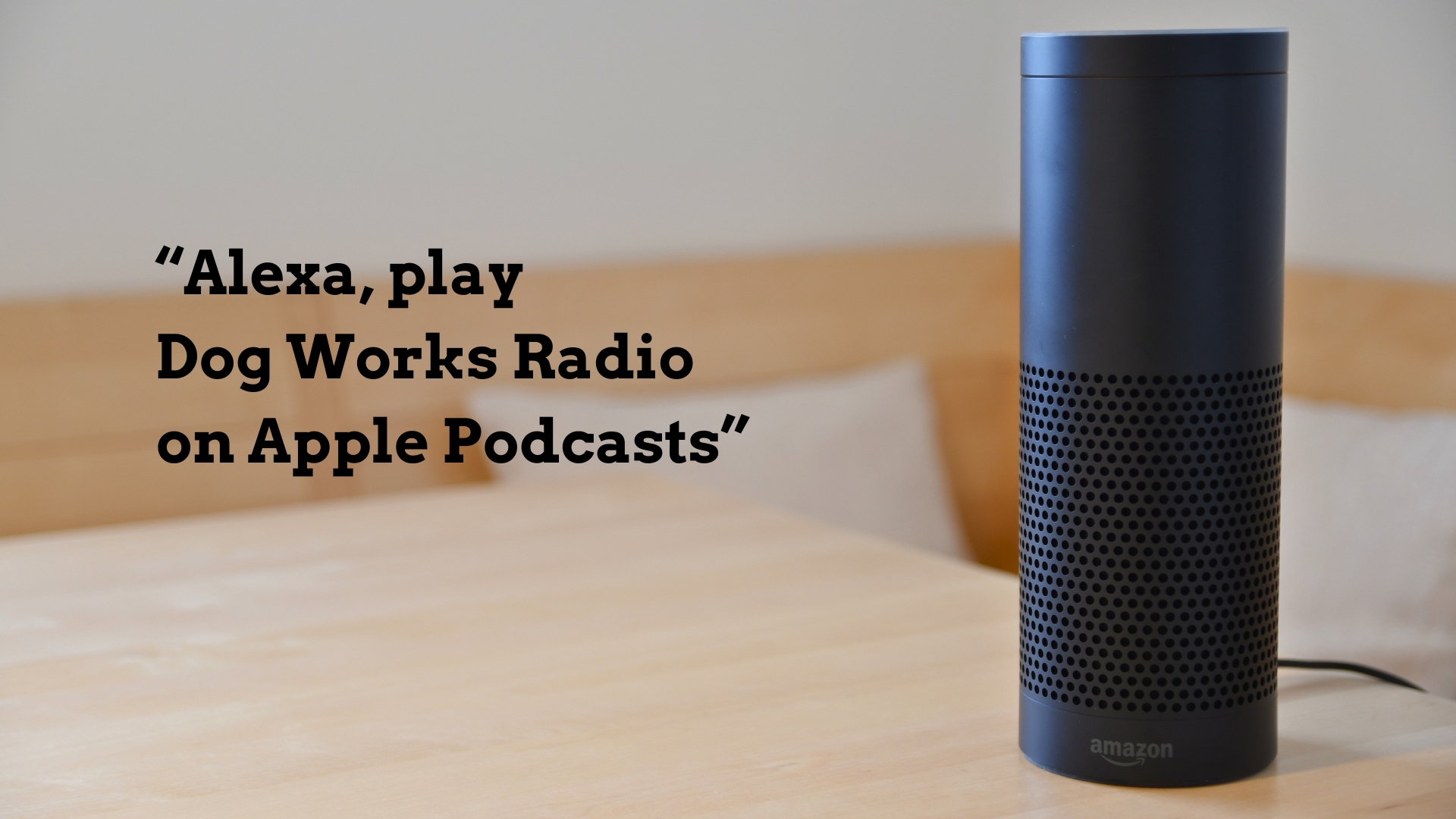
“Alexa, play Dog Works Radio on Apple Podcasts.”
Alexa should immediately begin playing the latest episode of Dog Works Radio from Apple Podcasts.
You can also try commands like:
- “Alexa, play the newest episode of Dog Works Radio.”
- “Alexa, resume Dog Works Radio.”
- “Alexa, skip ahead 30 seconds.”
- “Alexa, play previous episode.”
Optional: Set Apple Podcasts as Your Default Podcast Service
If you listen to podcasts often, this step makes things easier because you will not need to say “on Apple Podcasts” every time.
To make Apple Podcasts your default:
- Open the Alexa app
- Tap “More”
- Tap “Settings”
- Select “Music & Podcasts”
- Choose “Default Services”
- Set Apple Podcasts as your default podcast provider
Once enabled, you can simply say:
“Alexa, play Dog Works Radio.”
And Alexa will automatically use Apple Podcasts.
Why Listen to Dog Works Radio on Alexa?
Listening on Alexa makes it easy to enjoy Dog Works Radio anywhere in your home without needing headphones or your phone in your hand.
Whether you are getting ready for a morning dog walk, relaxing after training sessions, or traveling with your dogs, Alexa allows you to stream episodes with simple voice commands.
Dog Works Radio is one of the longest-running dog training podcasts and features real-world conversations about dog behavior, puppy training, service dogs, therapy dogs, canine nutrition, leadership, and life with dogs.
Final Tip
If Alexa cannot find the podcast at first, try saying:
“Alexa, play the podcast Dog Works Radio on Apple Podcasts.”
Sometimes using the word “podcast” helps Alexa recognize the show more accurately.
You can also subscribe directly to Apple Podcasts and follow Dog Works Radio for the latest episodes and training resources.
Sources
Apple Support instructions for enabling Apple Podcasts on Alexa and linking accounts.
Amazon and third-party setup guides for Apple Podcasts on Echo devices.